Background
Prior to this project, our client had a website under her domain however she did not have access to it due to complications with its developer(s). From our understanding, her sales were done by word of mouth with people who knew her and her brand. Our client was also relatively uncomfortable with working on a laptop. She was unfamiliar with aspects of Gmail, Google Drive, and the Wix platform.
The Problem Space
Unexpected outside obligations for client Unpredictable response time from client (sometimes high, sometimes low) led to limited communication Did not receive all assets/received many assets late due to client’s conflicts Developers had never used Figma before
Our Solution
Our solution, in response to our client’s many outside conflicts and, as a result, lack of communication and untimely transferral of assets, was to build a website skeleton without content from our client so we could add content as the client shared it with us. Our solution to unfamiliarity with Wix was to use Wix’s extensive help options to find what we needed. I also offered to answer any questions about Figma or Wix and encouraged my developers to attend the Figma workshop. This was the most efficient way to solve our problem. It ensured that, even though we were missing all of the assets from our client, we used the time that the client had purchased to complete the most work possible.
Design Process
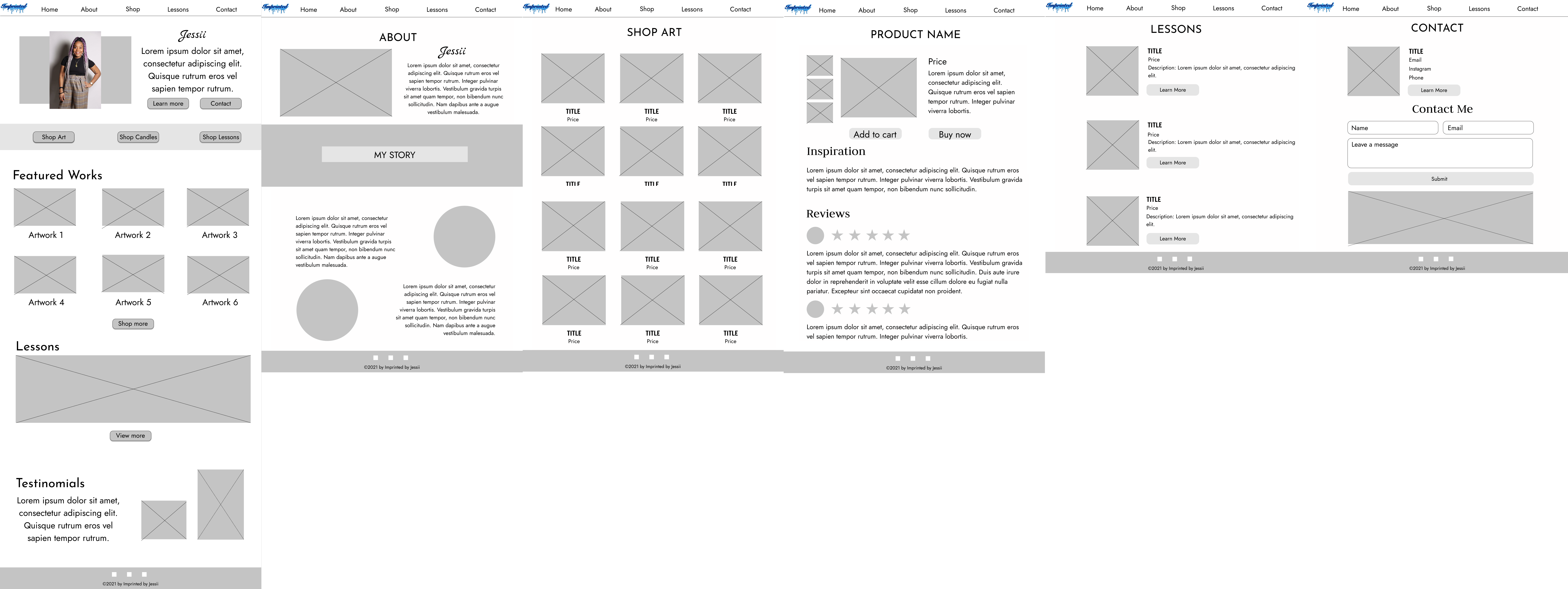
One initial consideration that occurred to me was how involved we should be in the design process seeing as we were working with an artist who might already have a vision for how she would like her art displayed. I also had to consider how much to focus on the sales aspect versus the art aspect of the site and how to balance a minimal website design with branding that had helped our client in the past. Upon our initial consultation with our client, we decided on a minimal aesthetic for our website. Our first designs aimed for a minimal aesthetic, but did not feature enough whitespace. Our iterations included incorporating whitespace and standardizing design choices across all pages of the website since both developers participated in website design. We showed updated versions of our design weekly to our client throughout the design phase and as it evolved in the development phase as well. We implemented updates based on our client’s feedback as necessary.
Development Process
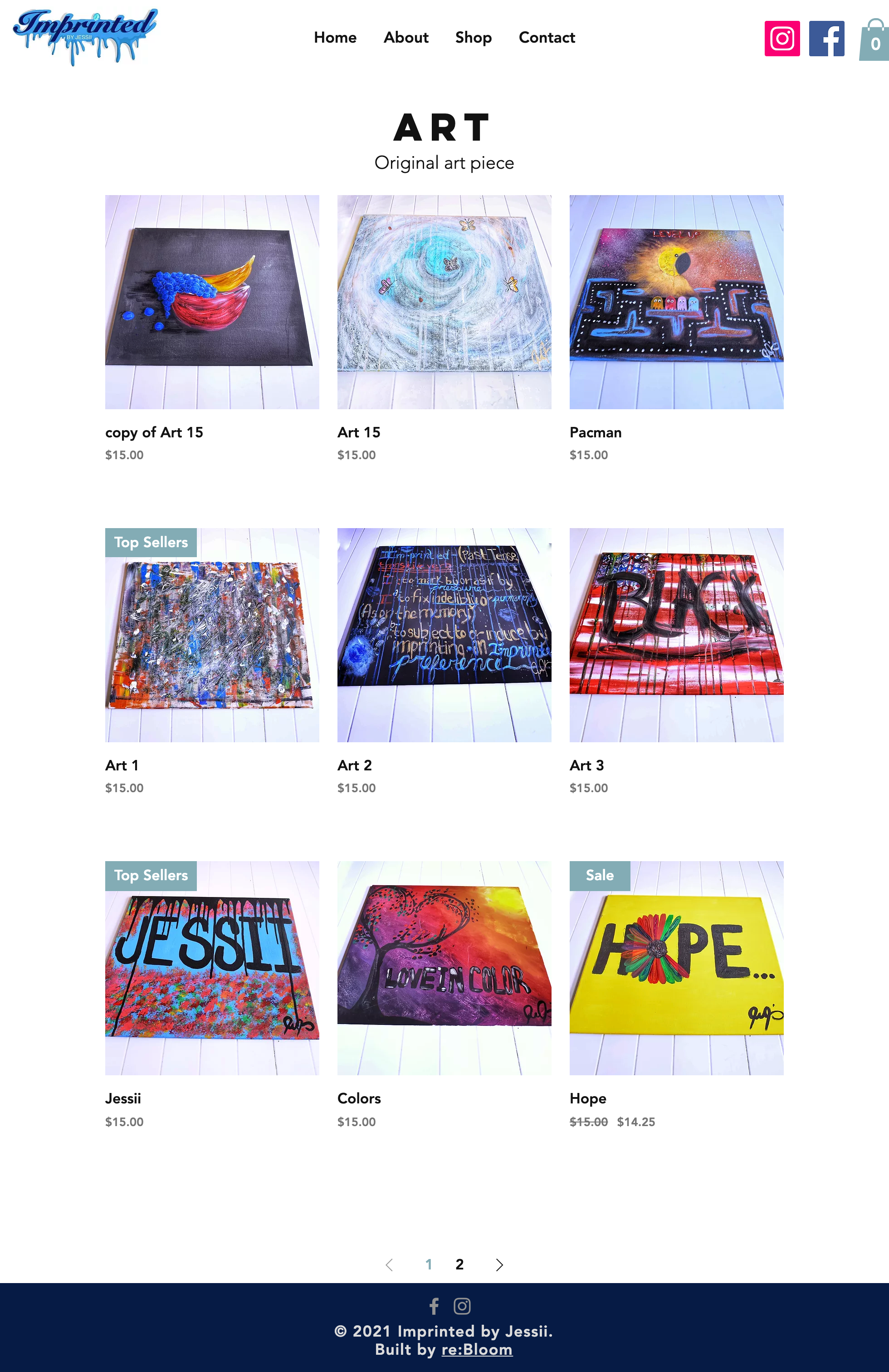
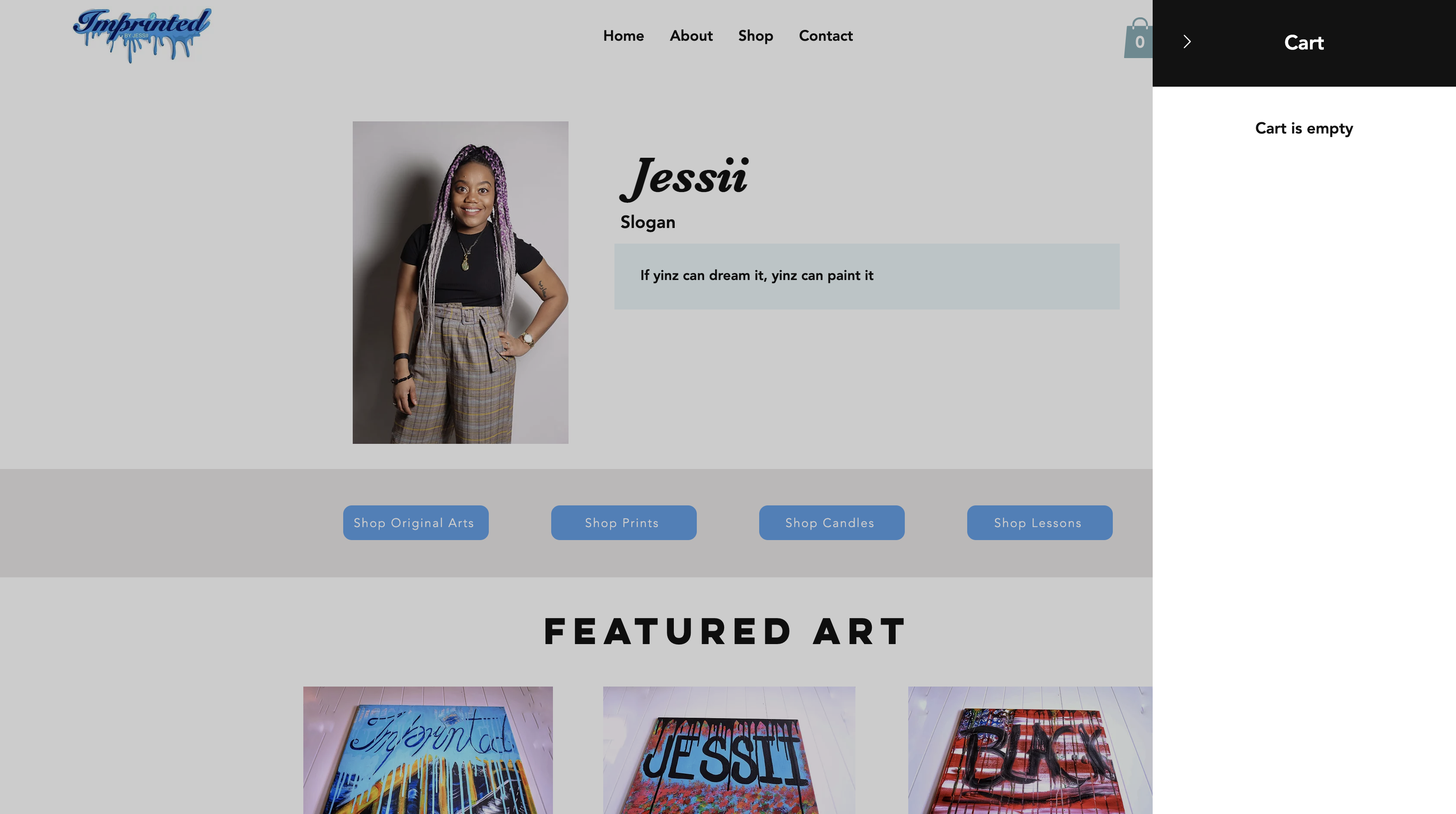
We chose Wix due to our experience with the platform and its ability to fulfill all of our client’s needs. It seemed like the most efficient way to accomplish our goals. We intended to build one to two pages a week, however, when the time came to build the shop pages, we were missing many of the assets that we needed such as product images/info. We decided to build skeletons of the shop pages and designate space on the home page for blog features about Imprinted by Jessii. We built individual pages for art, prints, candles, and lessons. The structure of the art, prints, and candles pages were the same. It was a multi-row product gallery with options to navigate through pages of products at the bottom of the page. The lesson page featured a single-frame, horizontal showcase of all the lessons available.
Feedback Process
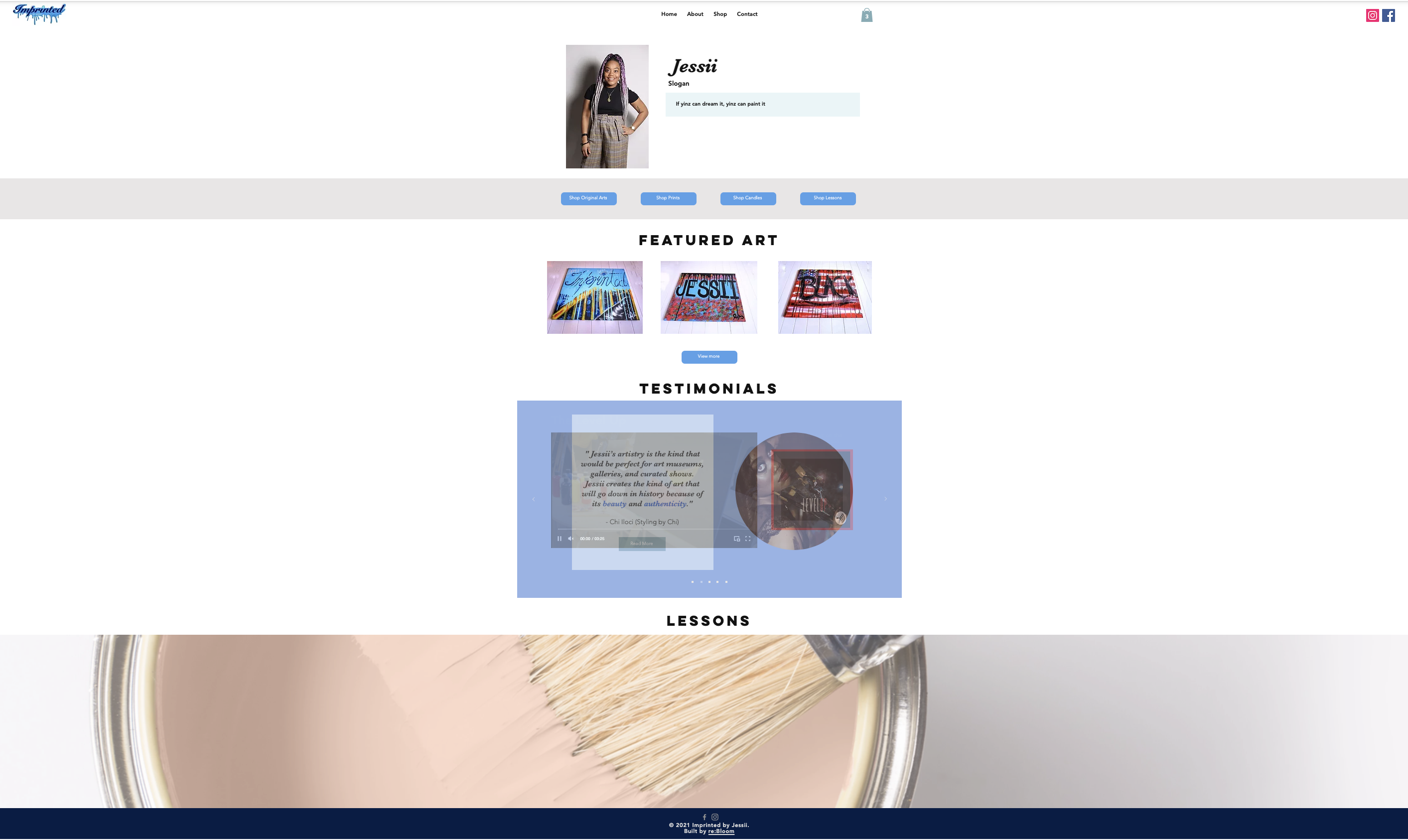
Talk about the feedback systems in your project. How did you get feedback from your client? What did you do for user testing? What were some significant findings from your user testing? How did your team talk about and implement feedback? Indicate that you want to include a picture by labeling [Picture Name] and upload the picture to the relevant folder.(1000 Characters) At the beginning of every client meeting we set aside time to review the past week’s work. We gathered feedback and made a plan to implement it over the next week. Our client provided us a list of users to contact for user testing. We contacted them and conducted four meetings. We made an effort to have at least two team members at each meeting: one to take notes and one to interview the subject. Afterwards, we reviewed notes, extracted action items, and implemented changes accordingly. We found that one of our users did not notice the site offered both prints and art so we made separate pages for both prints and art. We also made changes to make the website feel more like an ecommerce site than a portfolio. We added shop buttons to the home page and a featured artwork section as well. We also clarified the difference between art and prints with a short description of each at the top of their respective shop pages and added social links to the home page. At the end of the user testing implementation process, we had updated seven pages over a two week period.
![]()
Training Process
We used written guides to train our client. Since our client’s tech fluency was relatively low we also emphasized in each guide that the internet and particularly Wix’s documentation were both powerful tools for understanding her site. We ensured that each guide pictured each action and explained each step at a very basic level. We did not want there to be any leaps of logic. We planned specific training topics based on client demand and perceived client needs. We decided that changing content such as products, descriptions, and features would be essentially everything our client would need barring any large changes or additions to her site. Our training primarily focused on implementation of assets that our client could not deliver to us on time such as products, product descriptions, and lessons. We wanted to ensure that she would be able to implement all of this information once the 10-week period was over. Our client informed us that, as a result of her training, she went from a comfort level of a 1 before our 10-week project period to a 7 now.